Worldify
Overview
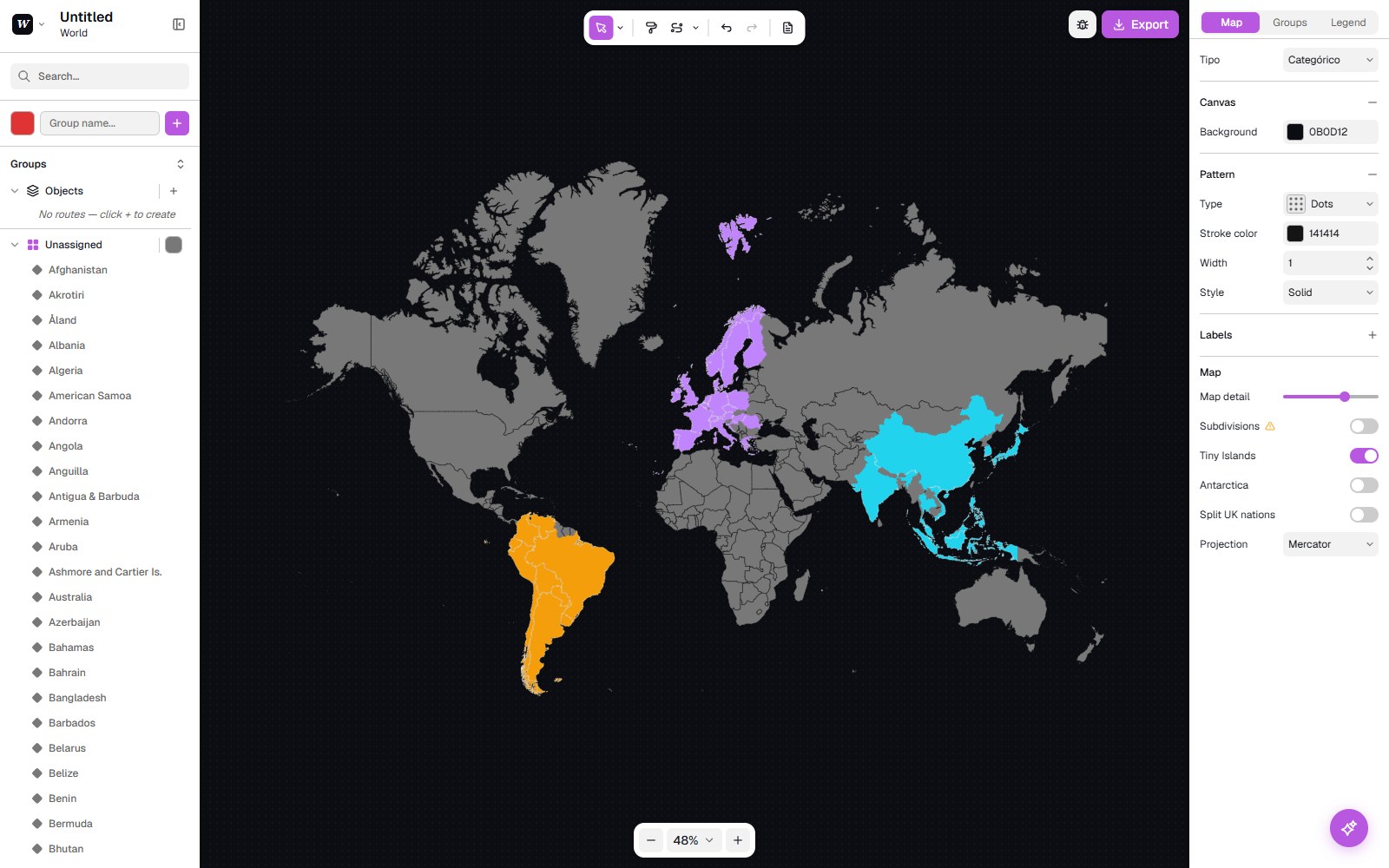
Worldify is a browser-based editor for creating custom SVG maps. Start from the whole world, a continent or a single country, group regions by colour, style every detail and export a map that’s ready to use.
I designed and built it end to end, with one goal: a tool that feels immediate, where the map is always the centre of attention and every option is one click away, never in the way.
Open WorldifyStart from any map
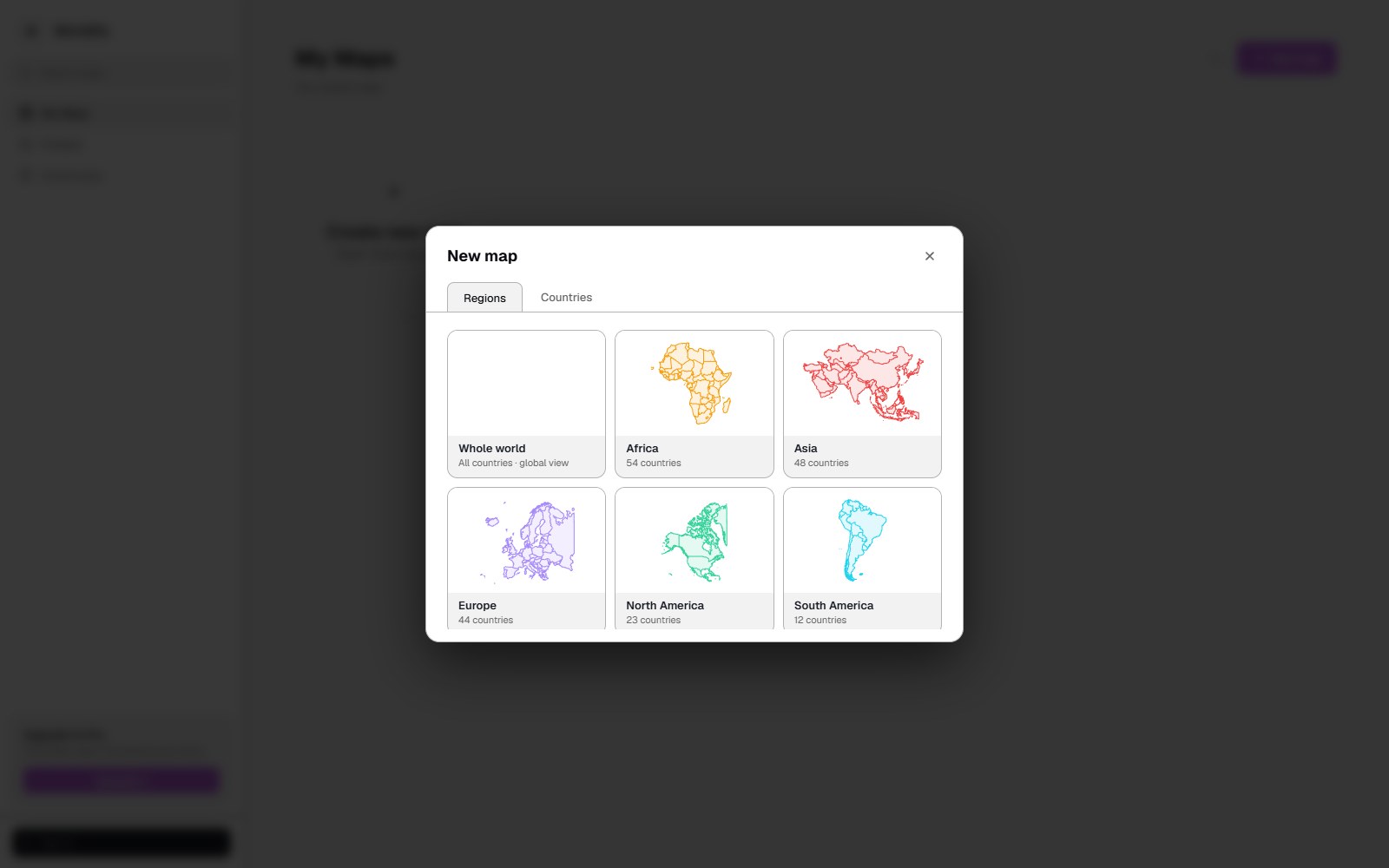
A new map starts in the library: the whole world, any continent, or a single country, each with a live preview. From there you choose how much detail you need: country subdivisions, tiny islands, Antarctica, or the UK split into its four nations.
Groups and data
Maps are built with groups: create one, pick a colour and click regions to assign them. A map can be categorical, or a choropleth with its own range, minimum, maximum and steps.
For bigger maps, you can import a CSV or Excel file with a country, a group and an optional colour per row, and Worldify paints the whole map in one go. Countries can be written by name or ISO code.
Style every detail
Everything is adjustable: the background and its pattern (grid, diagonal, lines, dots, waves, cross), borders in solid, dashed or dotted styles, and labels with their own font, size, weight and outline.
The legend is fully customisable too, from its title and colours to its radius, shadow, opacity and blur. And the same map can be projected as Mercator, Equirectangular, Robinson, or as a globe.
Export, routes and AI
Routes and pins add journeys and points of interest on top of the map. When it’s ready, you export it as PNG, JPG or SVG at up to 4x resolution, with a free crop frame to keep just the part you need.
An AI assistant, powered by Claude, lives right inside the editor. Maps save to the cloud, and the whole app works in English, Spanish and German.